Полгода пользуюсь iPhone 14 Pro. Главное про Dynamic Island: плюсы, минусы, есть ли польза
 В закладки
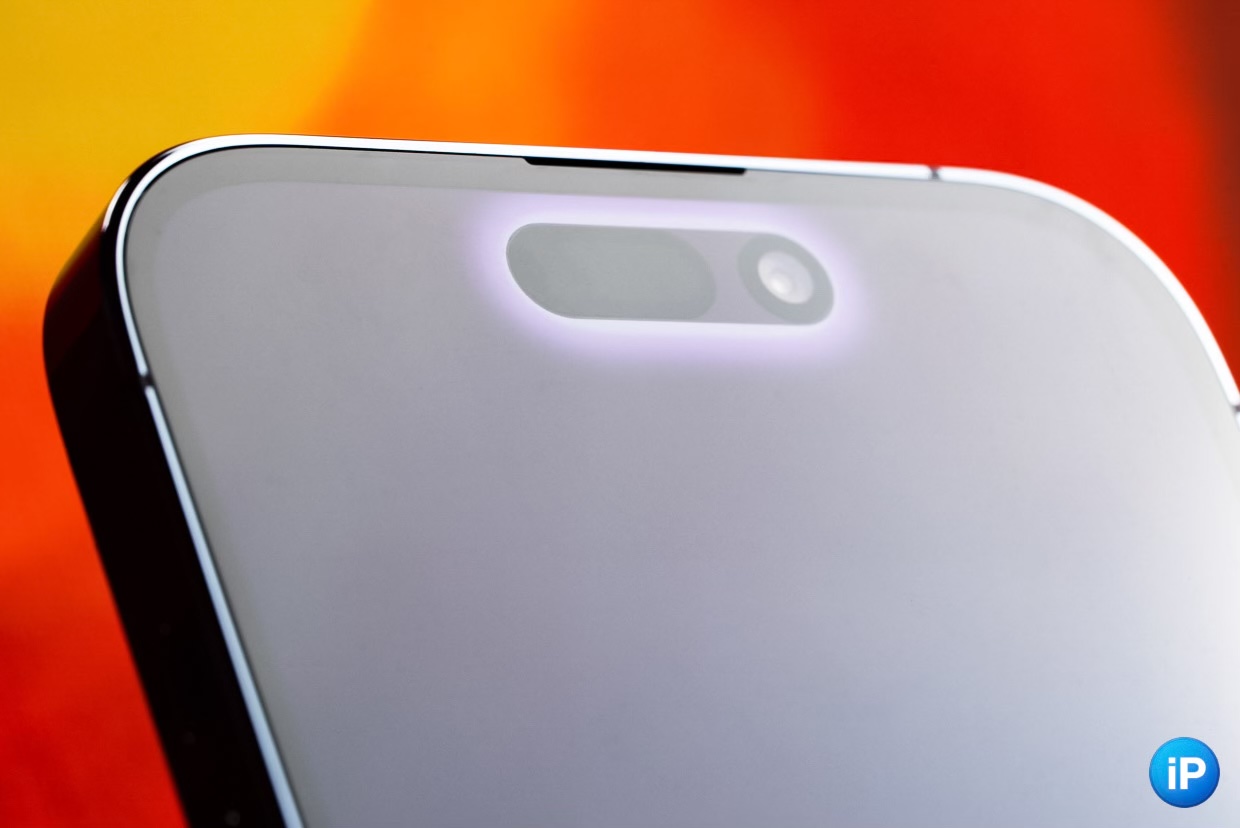
Одним из главных нововведений iPhone 14 Pro стал вырез Dynamic Island. Он полностью меняет концепцию этой области экрана.
Теперь с ней можно полноценно взаимодействовать. Это больше не пустая зона, в которой просто сосредоточены камеры, а полноценная функциональная часть дисплея.
Скажу честно. Изначально я скептически относился к Dynamic Island. С одной стороны, нововведение казалось интригующим и действительно чем-то необычным. С другой, я сильно сомневался, что через время я действительно буду активно пользоваться этим вырезом.
Теперь прошло полгода с момента покупки смартфона. Можно и сделать некоторые выводы.
Плюсы Dynamic Island
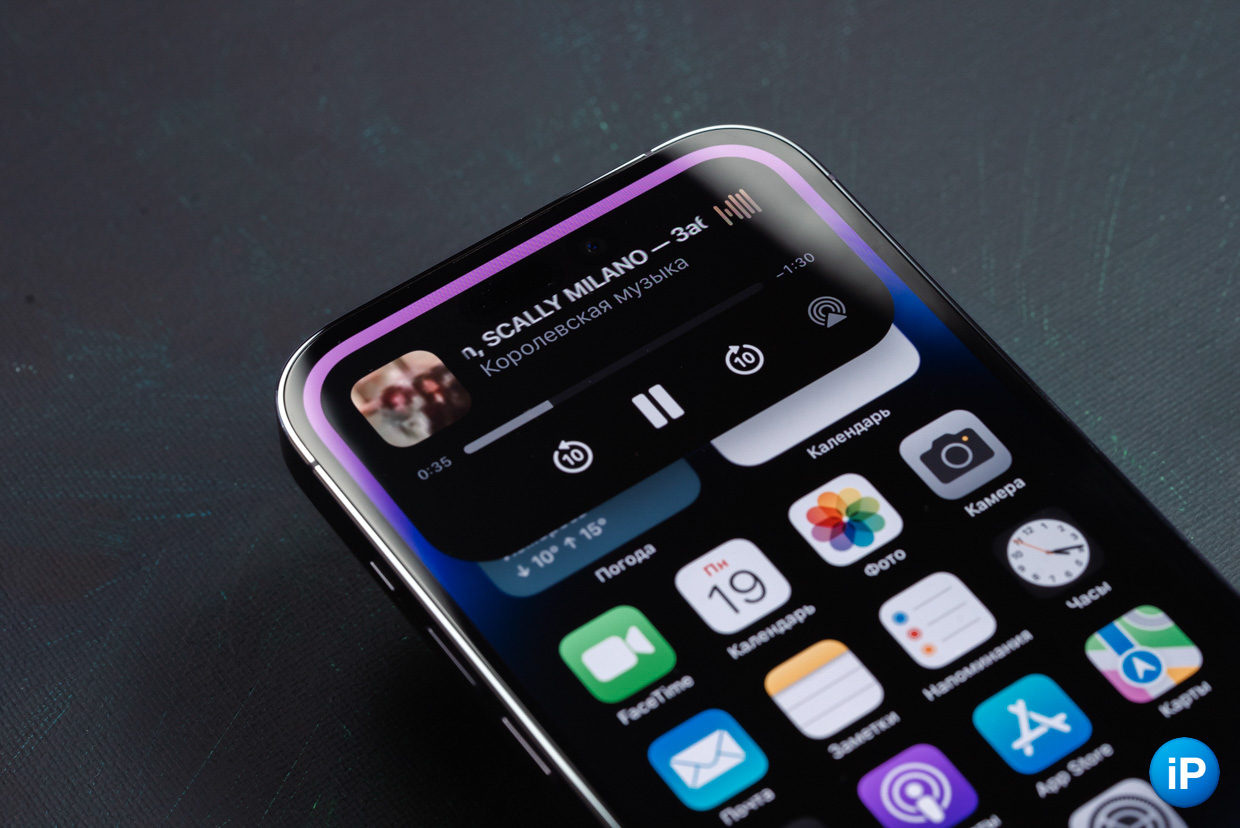
Dynamic Island — это переосмысленный вырез в экране, на котором выводится различная информация. У такого решения есть свои плюсы и недостатки. Начнем с положительных моментов:
✅ с помощью него удобно пользоваться музыкальным плеером
✅ на нем можно отслеживать статусы заказов в магазинах (особенно удобно следить за такси в Яндекс Go и курьерами в Яндекс Лавке)
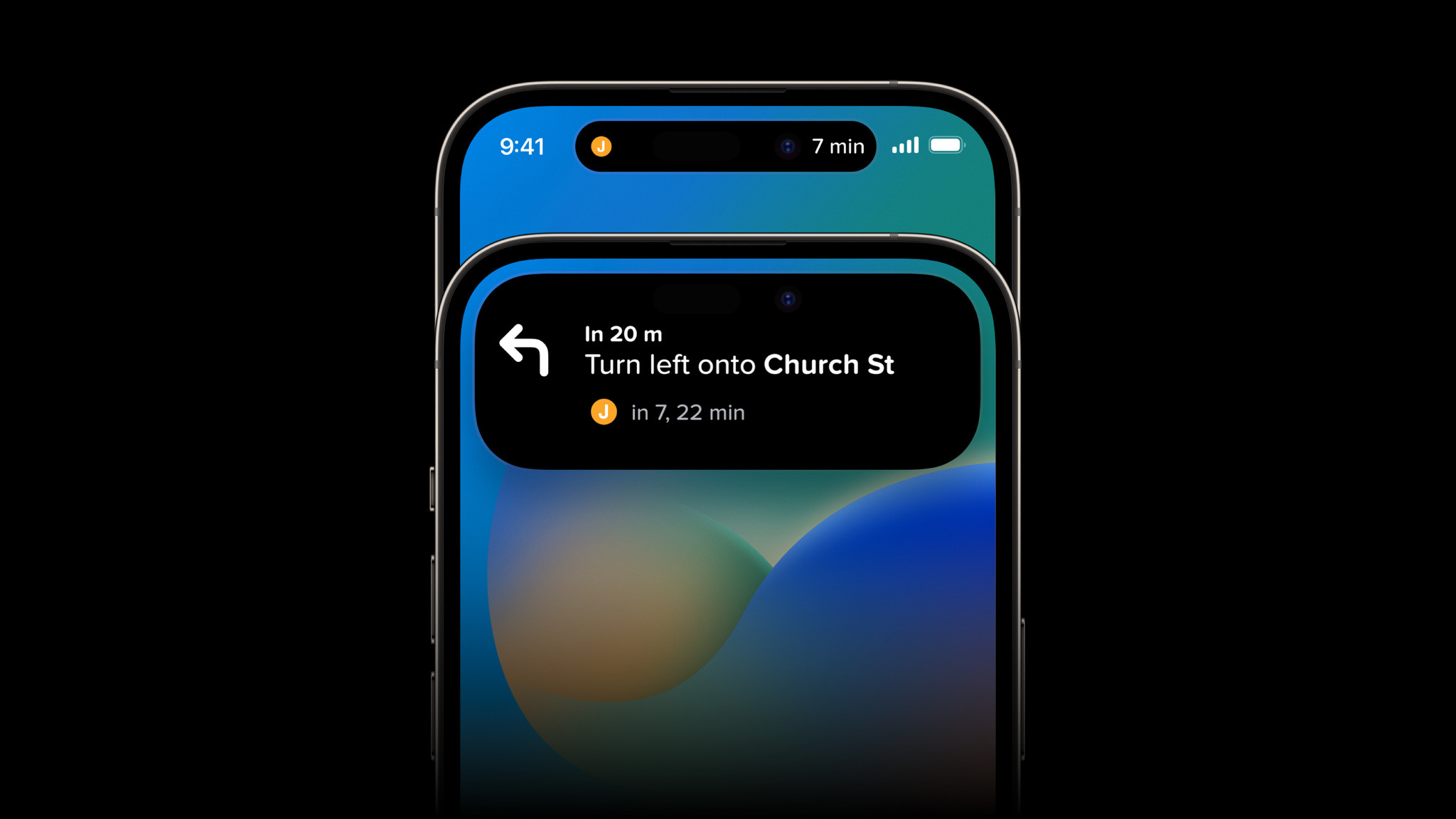
✅ он удобен в навигации; можно следить за тем, куда тебе идти, не открывая карты
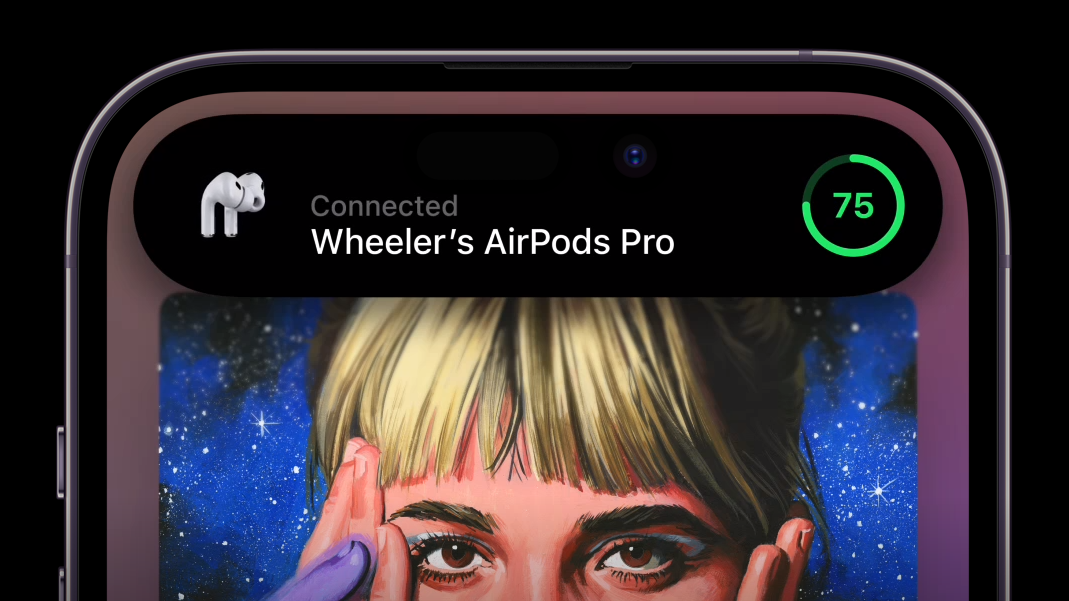
✅ справочная информация теперь не занимает весь экран; к примеру, сообщение о низком заряде айфона теперь выделяется тонкой строчкой, а не кнопкой на весь экран; показывается, когда переключается бесшумный режим, подключаются аксессуары со своей анимацией, меняется режим фокусировки, появляется мини-пульт для Apple TV и прочее
✅ есть возможность быстро открыть активное приложение (либо какое-то нужное, если поставить специальную программу), чтобы не переходить в многозадачность
Минусы Dynamic Island
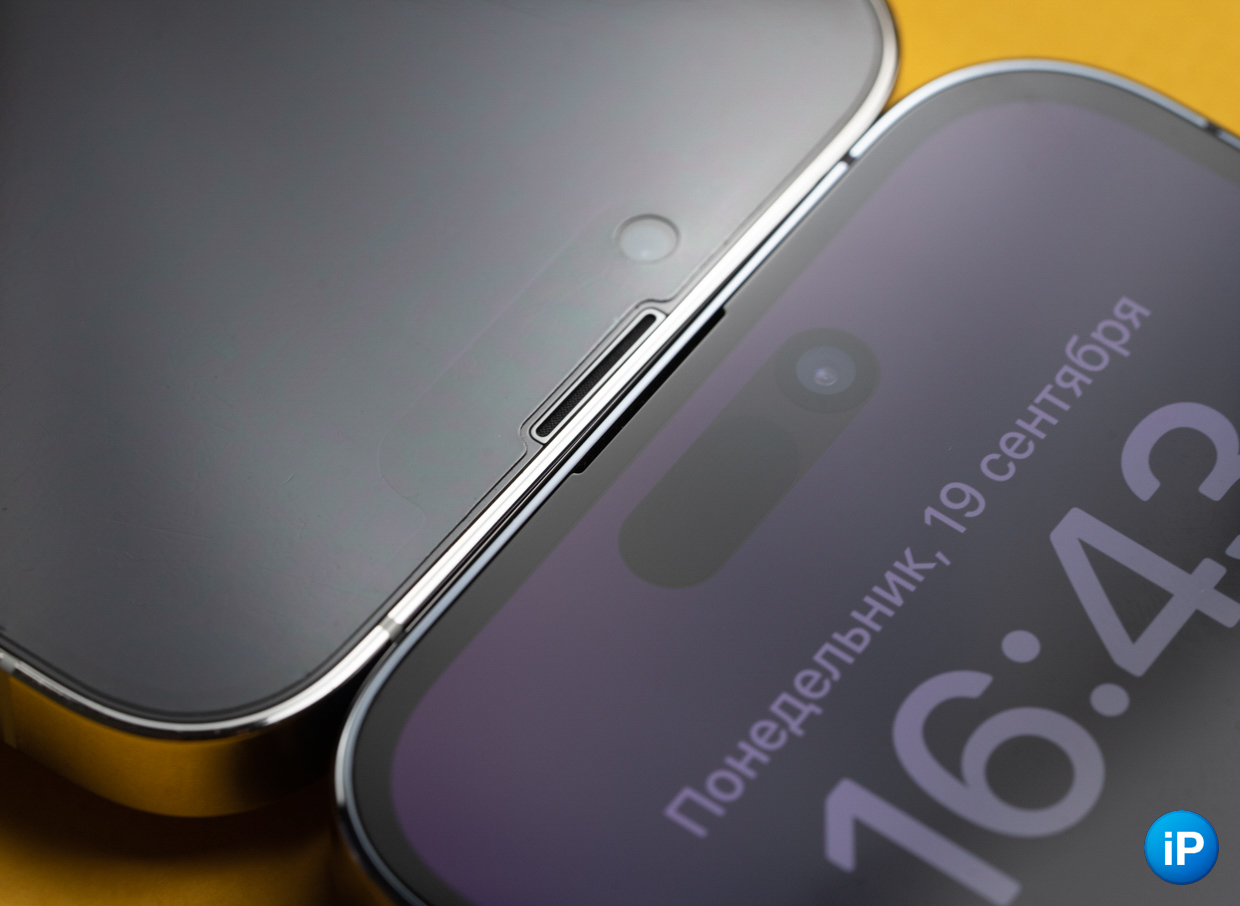
Но не всё так радужно, как может показаться на первый взгляд. Минусы у выреза есть, и некоторые из них могут показаться кому-то критичными:
❌ всё ещё крайне мало приложений, которые поддерживают новую область экрана
❌ таймер в Dynamic Island отображается, а вот секундомер почему-то нет; искренне не понимаю, что мешало его тоже туда поместить
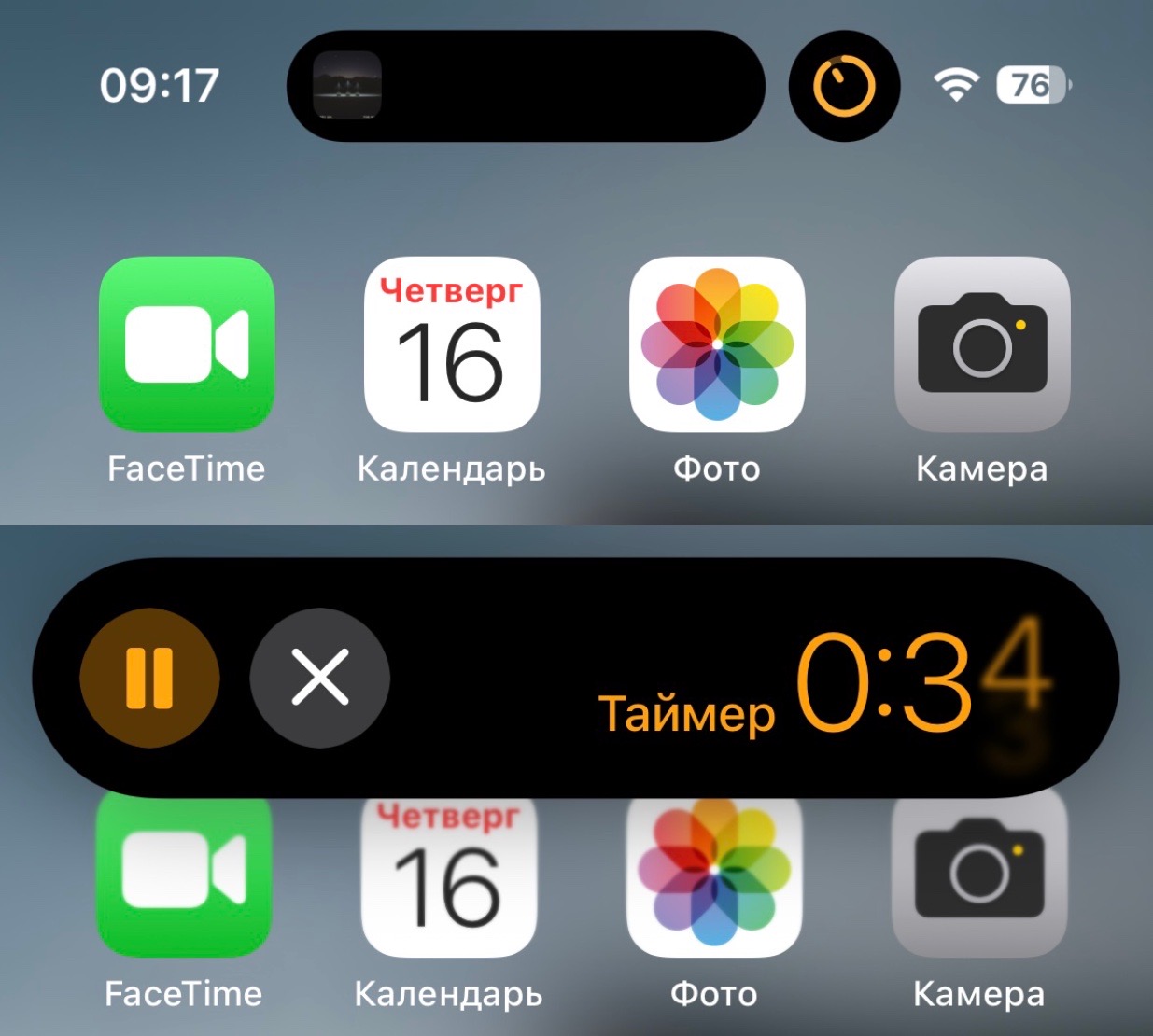
❌ обновление данных некоторых приложений через API Live Activities часто не происходит в реальном времени, они могут запаздывать или вовсе переставать работать
❌ многие приложения просто исчезают из Dynamic Island без очевидной на то причины, они просто не отображаются и всё, хотя секунду назад располагались в нём
❌ постоянно тянуться к вырезу для совершения тех или иных действий со временем утомляет, слишком высоко располагается эта функциональная область
❌ режим обычного вызова тоже не продуман до конца; искренне не понимаю, почему нельзя было добавить больше горячих клавиш, например, быстрое отключение микрофона (при вызове FaceTime эта функция доступна)
Мешает ли Dynamic Island на самом деле
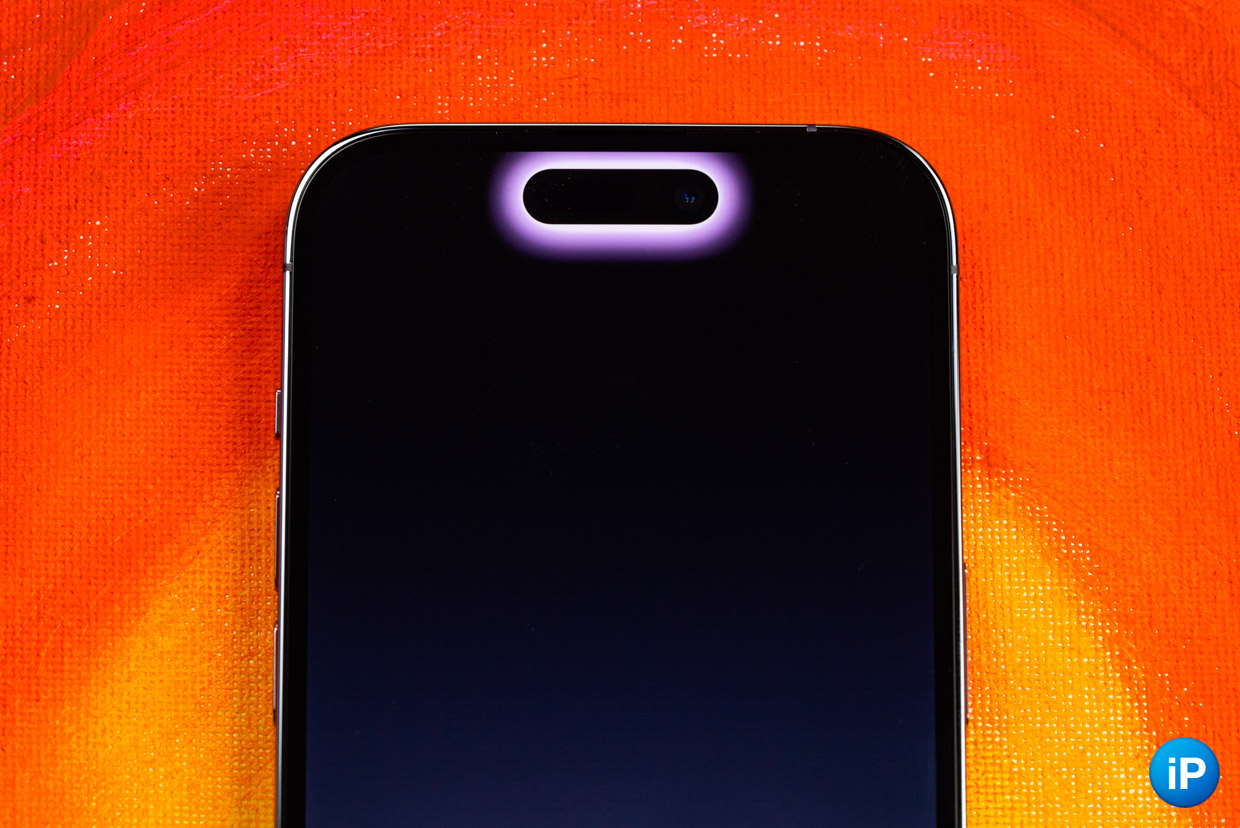
Тут фактически всё крайне субъективно. Лично мне он мешает не больше, чем прошлогодняя «чёлка».
Он перекрывает небольшую область экрана, но сильно в глаза не бросается. Даже при просмотре видео я забываю о его наличии буквально через 10 секунд. Всё, будто бы его и нет вовсе. Особенно наплевать на вырез во время темных сцен, где он еще сильнее маскируется.
В играх с этим немного сложнее. Если их не оптимизировали под Dynamic Island, то он будет перекрывать элементы интерфейса. Все-таки вырез немного «спустился» вниз.
Однако в большинстве случаев мне он не мешает совершенно. А если вырез на экране вас раздражал и раньше, то это будет происходить и сейчас — ни больше, ни меньше.
Есть ли от него реальная польза или это просто игрушка
Честно говоря, даже сейчас сложно оценивать это нововведение. Я не так часто пользуюсь вырезом.
Единственное, что я действительно активно использую — это режим плеера. В сравнении с Пунктом управления, эта область сама закрывается при переключении трека, стоит мне коснуться другой области дисплея. Это экономит одно действие.
Другие опции я зачастую применяю, когда экран может быть заблокирован. Тот же таймер отображается и на заблокированном дисплее, да и всё другие опции, реализованные через Live Activities, тоже. Эта часть дублирует то, что должно показываться в вырезе. Ну и зачем тогда он мне нужен? Ума не приложу.
Если что, я говорю о вещах, которые в данную секунду мне не нужны. Речь про различные информационные карточки, вроде Яндекс Лавки, Uber или информации о рейсах или футбольных матчах.
Сейчас это, скорее, игрушка, чем реально полезная вещь.
Пока нововведение больше похоже на Touch Bar в старых MacBook. Но ему нужно время. Всё может измениться в будущем.
В закладки
What Dynamic Island Means for App Developers

At Apple’s annual iPhone launch event, the company announced the black “notch” for the front camera and Face ID sensors has evolved into Dynamic Island — a new screen area to display the most crucial and timely information from apps running in the background.
For users, it means more multi-tasking options. But what does Dynamic Island mean for app developers? Much like the new Lock Screen widgets, Shared With You, and App Intents in iOS 16 — Dynamic Island helps developers increase the utility of applications.
In this post, we’ll explain the ins and outs of Dynamic Island — and dig into the opportunity that it presents brands and businesses to increase their apps’ user engagement.
Why is Dynamic Island important?
Users can now see timely information and micro-content from apps running in the background — without interrupting the app that’s on the screen. This information can remain visible for ongoing activities (called Live Activities) such as sports scores or an Uber ride status. Dynamic Island can display up to two live activities from the most recently opened apps. And the user can tap the information in Dynamic Island to either get more information (with a long press) or open the full application.
This example from Apple shows how the design of Dynamic Island can expand after a long press. (SOURCE: Apple)
How is Dynamic Island different from Widgets?
There are a few differences. Widgets are a way to show content in your app on the iOS Home Screen and Today View, and on the Lock Screen. The Dynamic Island is visible from all screens — except the Lock Screen. If the Lock Screen is active, the information from Dynamic Island displays in a tile above any notifications. Widgets provide information when you are not using an app, Dynamic Island provides information when you are.
The Dynamic Island information is, aptly, dynamic. It’s continuously updated live. With Widgets, data is updated periodically, not continuously.
With Widgets, users can personalize the content, including defining their size and position on the Home Screen. Dynamic Island is not personalizable by the users.
Last, Dynamic Island uses uniquely crafted animations and transitions. Widgets, graphically, are static, only displaying updated data.
What are some useful examples of Dynamic Island?
There are a few different categories of applications that stand out as obvious opportunities:
- System alerts and notifications — Basic iOS functions such as incoming calls, accessory connections (e.g. Bluetooth® headphones), low battery alerts, Apple Pay confirmations, calendar alerts, etc.
- Live Activities — On-going calls and video chats, map application directions, clock timers and alarms, sports scores and updates, and screen recordings.
- Now playing — The status of any Music, podcast, or audiobook apps like Apple Music, Spotify, YouTube Music, Audible, etc.
- Communications and social media — Communication or status updates from applications such as Facebook, Skype, WhatsApp, Google Voice, etc.
- Delivery, ride, and order updates — Status of deliveries and food orders (“Your order has been delivered”) and transportation app updates (“Your Lyft is 2 mins away”).
- Connected products — Status alerts for connected smart products like security cameras, car battery status, lighting, thermostats, and irrigation systems.
We recently challenged our design team to come up with a good example of how one of our clients could take advantage of Dynamic Island. With the Magellan Rx app, users could be notified via Dynamic Island when their prescription has shipped. And when the user long-presses, they’ll see the entire status of that shipment:
Dynamic Island mockup in the Magellan Rx app.
What kinds of experiences DO NOT make sense for Dynamic Island?
Dynamic Island is a small space, so any app data that requires a lot of screen real estate may not work well. For example, you’re never going to read a magazine article, stream videos, or play games. However, those types of apps might have alerts that could tell you when a new article is posted, when a new video is released, or when a gamer friend is online.
How can Dynamic Island help brands and businesses?
Dynamic Island can help brands and businesses increase their app’s user engagement. Because it offers snippets of information and alerts in a designated space, companies can now provide useful information from their app even when it’s running in the background. This brings a snippet of their app to the foreground and creates an opportunity for re-engagement. And, similar to any notification, Dynamic Island can provide another entry point to your full app if the user taps on it.
How do developers support Dynamic Island?
Developers can add support for Dynamic Island with the ActivityKit framework. They can add Live Activities for both Dynamic Island and the Lock Screen. To create Live Activities in an app, developers need to add code to the widget extension — either updating an existing widget extension or creating a new one. The ActivityKit framework APIs allow you to configure, start, update, and end a Live Activity.
Unlike widgets, Live Activities are updated by logic inside your app and remote push notifications, which allow for timely updates by your app or backend services.
The UI for both Dynamic Island and Lock Screen is done in SwiftUI. Live Activities come in different views for the Lock Screen and the Dynamic Island. By default, those views use a black background color with white text and they can have a height of up to 160 points. However, it is possible to tweak the design by changing the text color or adding opacity.
When creating the expanded view that displays with a long press, you can define where to position your content — including the center, leading, trailing, and bottom areas. You can find more information about the UI design of Live Activities on Apple’s developers’ site.
What happens when multiple background apps have information for Dynamic Island?
A maximum of two apps can appear on Dynamic Island at any time. If you have two apps running in the background, Dynamic Island can split into two sections to accommodate both. When more than two apps are running in the background, Dynamic Island will show two of the most recently used apps.
Do users have to enable Dynamic Island for different apps?
No, there is no user configuration required. It is on by default for all apps that support it. Users can choose to deactivate Live Activities for an app within the Settings app. Dynamic Island is only available in the iPhone 14 Pro and the iPhone 14 Pro Max. It will not be available to older iPhone models, nor the iPhone 14 and iPhone 14 Plus.
How does Dynamic Island support Apple’s ‘multitasking?’
Think of it as a multi-tasking shortcut, allowing people to gracefully switch between one app and another — while presenting short information updates that don’t get in the way of the foreground app experience.
Want to support Dynamic Island in your app?
Dynamic Island is just one of the exciting iOS 16 features to help brands and businesses increase app user engagement. ArcTouch is happy to review your app and provide recommendations to take full advantage of all the advancements in iOS 16 and Android 13. Contact us for a free consultation.
What Is Dynamic Island On Iphone 14 Pro And How To Use It
Apple calls the new pill design Dynamic Island. So what’s with the redesign? Is it merely a hardware repositioning, or can we expect more? Here’s everything you need to know.
A new iconic front design: Dynamic Island#
Apple has finally responded to the hatred of many Apple users over the iPhone’s notch. While the company didn’t really remove it, Apple redesigned the notch as a pill-shaped cutout that it likes to call Dynamic Island. As the name implies, Dynamic Island is an “island” that sits at the top of the device. It houses a redesigned and 31 percent smaller True Depth front-facing camera and Face ID sensors so that they’d fit into the smaller pill cutout. The proximity sensor has also been re-engineered to detect light from behind the display. Apple is calling it “the biggest change to the face of iPhone screen.” Don’t expect the entire iPhone 14 lineup to sport the new front design, though. Dynamic Island is limited to just the iPhone 14 Pro and iPhone 14 Pro Max. Dynamic Island is just one of the several new iPhone features Apple introduced in its Far Out event. Other features include Crash Detection on the iPhone 14 and Apple Watch 8 and Emergency SOS via Satellite.
What the Dynamic Island can do?#
Dynamic Island aims to give you a much better intuitive and seamless experience as you interact with your iPhone. It does this by merging software with hardware and transforming the dead black space into a rich active space for your notifications and background activity. It uses transitions and uniquely crafted animations to create an illusion that the pill-shaped cutout fluidly morphs and transforms into different shapes, depending on the alert or activity. It displays up to two background activities in separate bubble elements.
Shows alerts and notifications#
Dynamic Island shows you relevant alerts and notifications. For example, it allows you to stay updated about the Lyft you have booked. It also allows you to perform different actions by presenting relevant controls that work across the system. What’s praiseworthy is that all of this works without interrupting you from whatever you’re doing in the app. Another cool thing about this feature is how every alert has its own character and personality, making it easy for you to distinguish one from the other. Examples of notifications and alerts that it displays include:
Incoming and current calls Sound alert status Charge status Accessory connection Face ID identification Contactless transactions
Displays background activity#
Dynamic Island not only supports alerts and notifications, though. It also displays your iPhone’s ongoing background activity, like the song you’re currently listening to on Apple Music. So whenever you leave the app and swipe to go Home, apps morph into Dynamic Island to show the app’s activity in the background.
Gives access to controls#
The feature also intuitively gives you easy control access, letting you perform relevant actions without leaving the app you’re using. For example, when you’re on a call, it enables you to adjust the volume, turn on the loudspeaker, end the call, and more. All you need to do is to tap and hold Dynamic Island to expand and show more options or tap it to head back to the app.
Keeps you updated in real-time#
The Dynamic Island is always active, adapting in real time, and updates you with crucial information, such as the next direction in Maps or the remaining time in Timer. What’s even more astounding is how it works seamlessly with Live Activities, a new iOS 16 Lock screen feature. Live Activities keeps you on top of things occurring in real-time, like the food delivery order that’s bound to arrive in a few minutes, the ride you’ve booked with a friend, or the score of the basketball game you’re watching from another app. But this feature isn’t limited to built-in Apple apps. Apple has created a robust design system for developers, ensuring all notifications and alerts are uniform and consistent, regardless of which app they come from. Make sure you get the most out of your iPhone 14’s display with these great iPhone 14 wallpapers we’ve rounded up for you.
Video: Dynamic Island on iPhone 14 Pro: Explained#
Wrapping up… Apple has received much backlash in the past with its decision to put a notch on the iPhone. Now, it not only redesigns the hardware into a pill-shaped cutout but it also levels up the game further by merging software magic to provide a more engaging and sensitive interface to its users. What do you think about this new feature? Do you like it? Share your insights below! Read more:
Screen protectors for iPhone 14 Plus and 14 Pro Max Best cases for iPhone 14 Plus and iPhone 14 Pro Max Dynamic Island compatible apps for iPhone 14 Pro Max Best accessories for iPhone 14 series 


Dynamic Island на iPhone 14 Pro: что за фича и как она изменит взаимодействие с пользователем
На вчерашней презентации Apple помимо прочего была показана новая функция старшего ряда айфонов – Dynamic Island – такая рабочая зона вокруг круглой челки, реализация которой стала возможной благодаря уменьшению фронтальной камеры.
В презентации было кратко показано, как она будет использоваться, но уже сейчас понятно, что в остров будут встраиваться некоторые системные уведомления и действия, которые раньше раскрывались на весь экран, занимая необоснованно большое пространство. Также пока не понятно, будут ли встроены в остров стандартные пуш-уведомления, или они сохранят прежний внешний вид. Сейчас точно ясно только то, что в концепцию острова точно будет вписан пуш телефонного звонка, применения Face ID, подключения наушников. Типичные действия будут показываться в свернутом виде, и при желании получить больше информации, пользователь сможет нажать на остров.
Dynamic Island — функция на стыке интерфейса и инженерии, которая идеально описывает фразу «не баг, а фича». Раньше челка была проблемой, которая никак не участвовала во взаимодействии с пользователем. Всем было ясно, что это временное костыльное решение, которому когда-то придёт конец. Остров же, судя по видео, будет забирать на себя часть интерфейса приложения ради создания дополнительного пространства для размещения данных, контактов с пользователем и упрощения действий. Также из-за того, что пуши будут располагаться выше и остров станет интуитивно-понятной зоной для некоторого типа действий, будет расширяться рабочая зона iPhone и может сокращаться время использования смартфона. Концептуально это очень похоже на TouchBar.
Осторожно можно сказать, что Dynamic Island — это изобретение нового способа взаимодействия с пользователем наравне в пуш-уведомлениями на iPhone и TouchBar на Mac. Поэтому экстремально интересно, как это будет работать: функционирование острова напрямую зависит от того, как разработчики приложений будут внедрять в него какие-то функции. И, как мы знаем из опыта, TouchBar не залетел, хотя в своё время тоже наделал шума. На сайте Apple пока нет информации для разработчиков по поводу Dynamic Island, потому будем ждать больше данных о том, какую информацию можно будет размещать в остров разработчикам приложений и какие действия пользователи смогут совершать.
Уже успели представить, как вы могли бы использовать остров для своего приложения? Пишите в комменты!